Our interface
With the interface solution, you combine the best of both worlds: the process strength of SAP and the flexibility of a modern ECM system.
Create end-to-end processes, increase your efficiency and meet the highest compliance requirements – with a solution that integrates seamlessly into your system landscape.
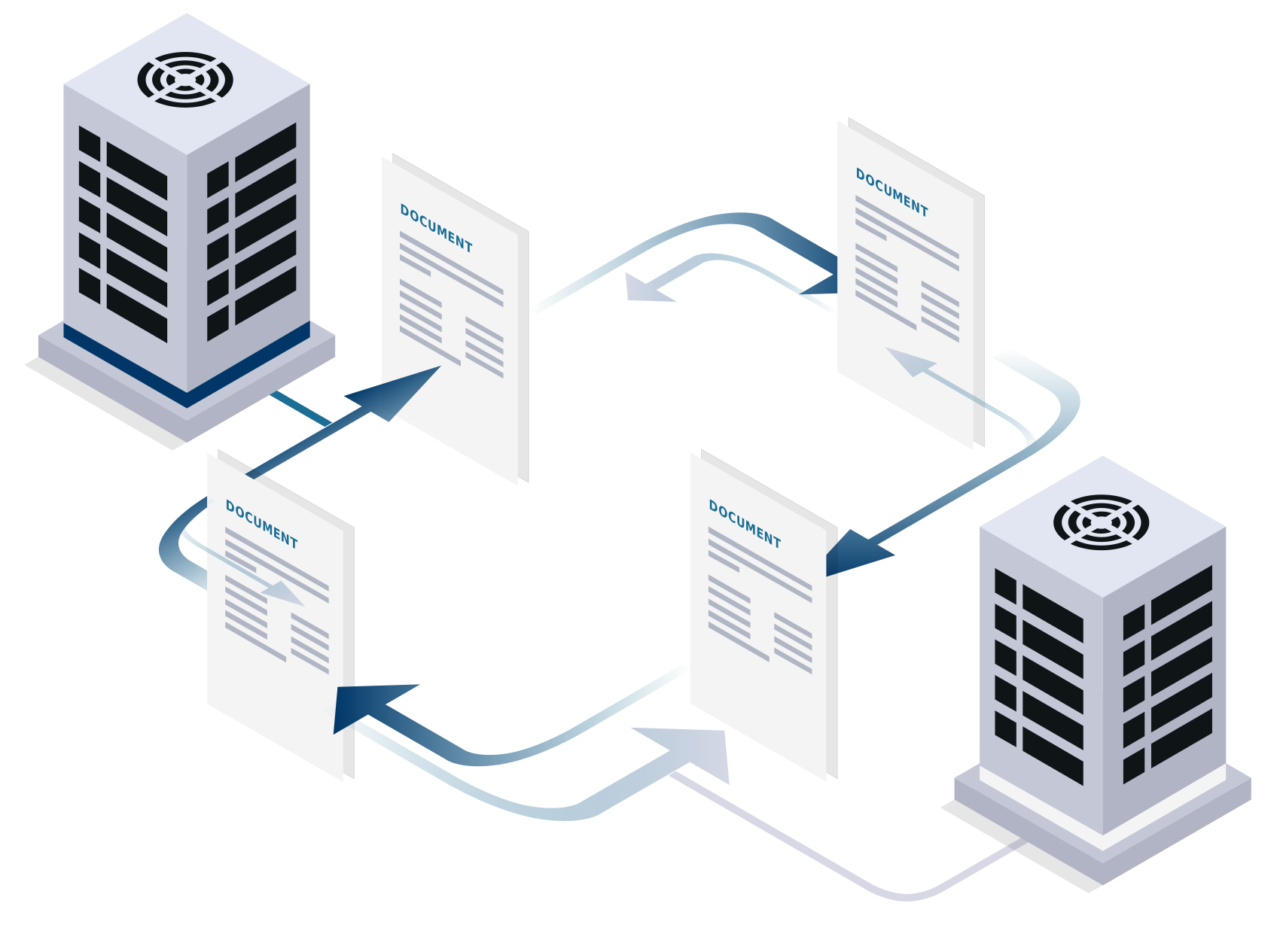
SAP is the heart of many business processes. But when it comes to documents, e-mails and audit-proof archiving, traditional ERP systems quickly reach their limits. This is exactly where integration with our ECM solutions comes in: It extends SAP with powerful enterprise content management – for efficient workflows, transparent processes and complete control over your information.
We look back with pride on a long-standing partnership with SAP.
Certified archiving interface for data exchange with SAP applications
Reduced load on SAP through outsourcing documents and noticeable performance improvements
Integrated document viewing in SAP (Image Enabling)
Direct linking of documents to SAP
Integration of paper and electronic documents with SAP processes
Initiation of scanning, archiving, and searching directly from within SAP
From personnel to customer records, as an on-premises version or via our app solutions: Link various templates with SAP – and always keep an overview.
Define rules for the life cycle of your productive and archived data: conveniently via a WebDAV interface, audit-proof and data protection-compliant.
The perfect offer for SAP users: Link your data in SAP with a cloud-native content services platform. For audit-proof, long-term archiving.
Take your customer management to a new level with our SAP customer records: They combine the strengths of your SAP system with powerful enterprise content management – and thus create a central, complete 360° view of all customer-related information.
While SAP takes over operational control, the customer record bundles all relevant content in one place: from quotations, orders and invoices to meeting notes, agreements and correspondence. All information is archived in an audit-proof manner, can be found at any time and is directly available in context.
Thanks to seamless integration – either via SAP ArchiveLink®, CMIS or as part of the SAP ILM WebDAV connection – and powerful connectors, both worlds mesh perfectly. Documents are automatically stored in a structured manner, changes are versioned and customer data is continuously synchronized. Users can conveniently switch between SAP transactions and the digital customer record at the click of a button – without media discontinuity.
The result: maximum transparency across all customer processes, more efficient processes along the entire quotation and order chain and a noticeable reduction in the workload.
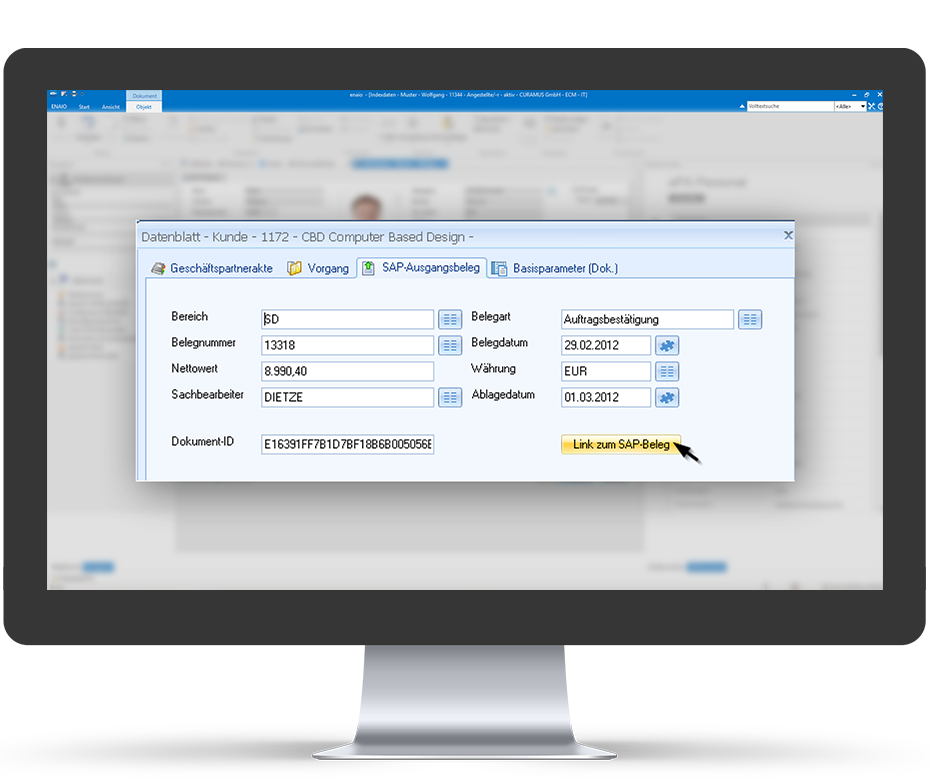
Contact us if you would like to find out more about our current record solutions.
Our solutions fully support SAP ArchiveLink® via a certified archive interface for data exchange with SAP applications. Documents and e-mails can be captured externally in the ECM and displayed directly in SAP, ensuring that all documents are automatically linked to the appropriate business object in the SAP system. The generic object services are used to display the documents integrated in the leading application.

OPTIMAL SYSTEMS has successfully completed the CMIS certification from SAP and is thus expanding its integration options. CMIS is an open standard for secure and efficient data exchange between ECM and ERP systems and will replace SAP ArchiveLink® in the long term.
CMIS particularly shows its strengths in cloud-based scenarios: It enables flexible structures, simplifies system landscapes and can reduce IT costs. At the same time, the interface is optimally aligned with modern platforms such as the SAP Business Technology Platform and SAP S/4HANA Cloud.

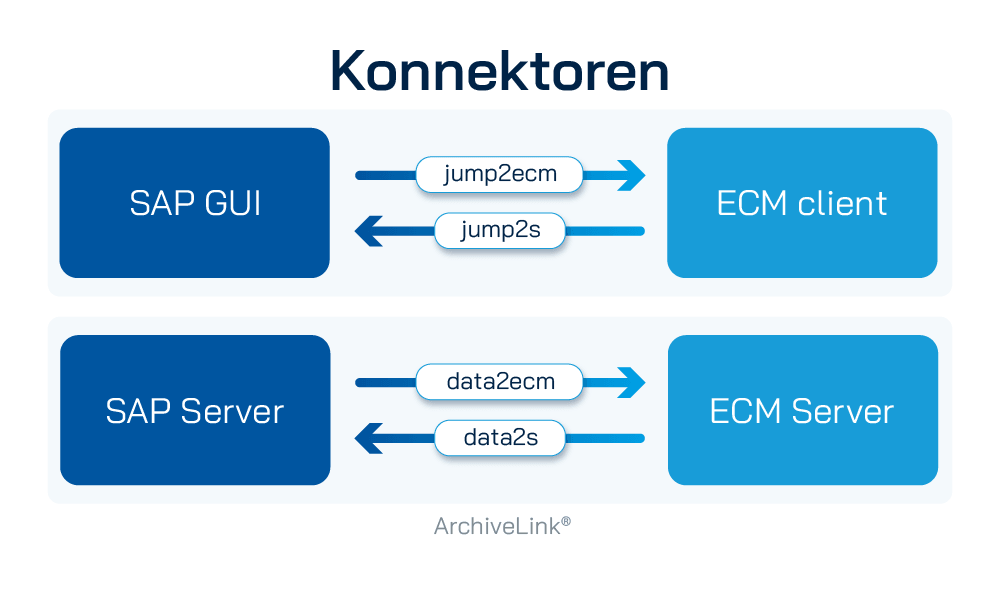
Our erp-s connectors provide the technical components to reproduce relevant data from SAP in the ECM system, switch back and forth between the digital records in the ECM and the corresponding SAP transactions, and write the results of processing steps in SAP. The connector is designed to be modular and consists of four components.
SAP Information Lifecycle Management (ILM) is a solution that defines rules for the lifecycle of productive and archived data – from its creation to its retention or final deletion. The corresponding data is stored on a WebDAV server in an audit-proof manner to reduce the load on the database and for final data backup. Retention and deletion periods are defined directly from SAP.
Both enaio® and yuuvis® Momentum support the provision and archiving of data stored in SAP with an additional document management system via an ILM-WebDAV interface.

With this module, SAP ILM allows data volumes to be reduced by storing data that is no longer required on an external storage system. This reduces the load on the company's own software systems and ensures constant performance.
The functionalities of the archiving system in SAP ILM have recently been significantly expanded to link with the other two components, Retention Management and ILM Retention Warehouse.
The complete life cycle of individual data is defined as part of retention management. Various tools help to define end-of-life scenarios from the creation to the final destruction of data based on applicable legislation.
This module is divided into the areas of system decommissioning and auditing/reporting. When the system is decommissioned, the data is removed from the standard system and stored in an external storage system. Proven data archiving tools are used for this purpose.
Auditing/reporting refers to the use or extraction of specific, archived data for auditing or reporting purposes after the system decommissioning has been completed.

Experience the performance of a cloud-native SAP archive as software as a service (SaaS) with yuuvis® cloud-archive-for-SAP®-software.
Integrate it easily and seamlessly via certified interfaces with just a few clicks!
The certified cloud archive for SAP: cloud-native as SaaS and connected in minutes via ArchiveLink®, ILM and CMIS. It archives documents in an audit-proof manner, relieves SAP by outsourcing documents, print lists and REO and supports retention management – multitenant and operated as a managed service.

How do you want to connect ECM & SAP with each other?
Get in touch with us!

LOCATIONS