
Solution: Dynamic, Flexible, Mobile Working
Decision-makers, managers, and employees require practical, intelligent tools to optimize their day-to-day mobile work. Using enaio®, you can be productive all the time and anywhere in the world, working online or on your mobile device.
enaio® provides you with quick and easy access to business information. You can respond to the latest developments at any time and make decisions faster, while enjoying the highest standards of security.
Access data and documents from wherever you are – flexibly and at any time.
Customize the user interface to your preferences to make work easy all the time.
Maintain a constant overview over your business processes and current projects.
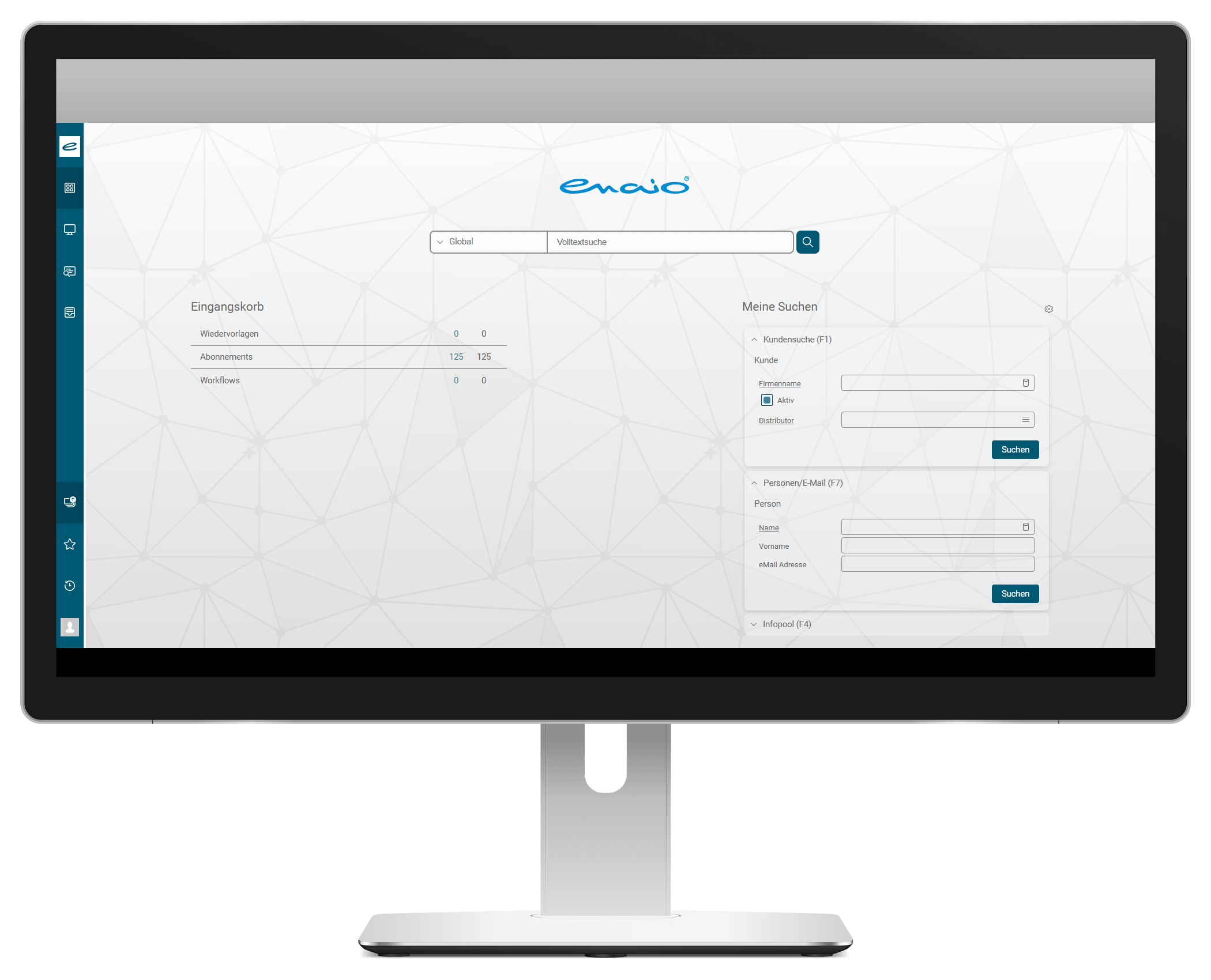
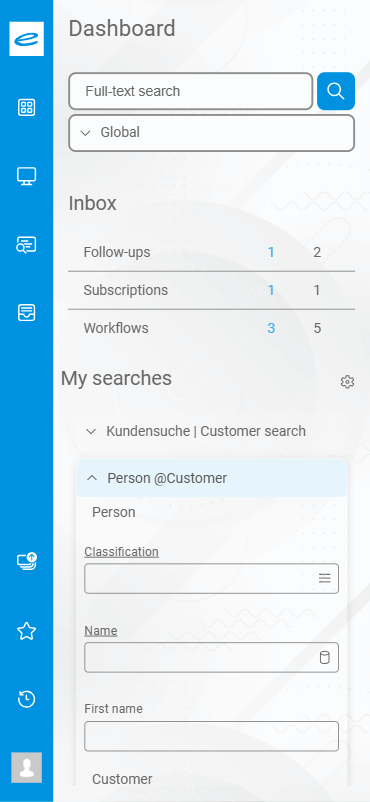
Inbox with subscriptions and workflows, saved searches, and full-text search – the webclient dashboard
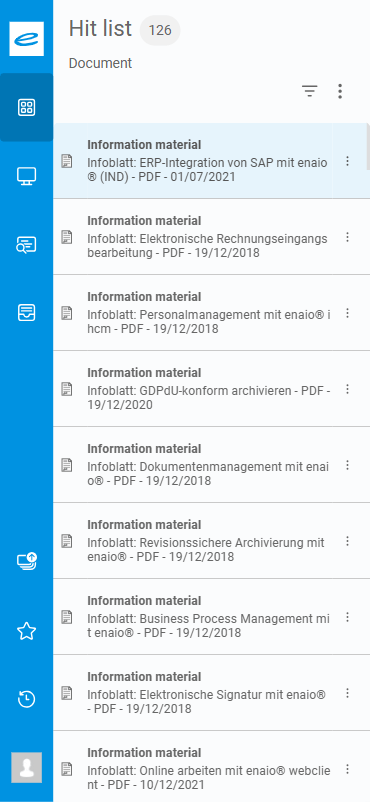
Go directly to the hit overview with a fine-grained search — in tile or list view, filterable and with preview function.
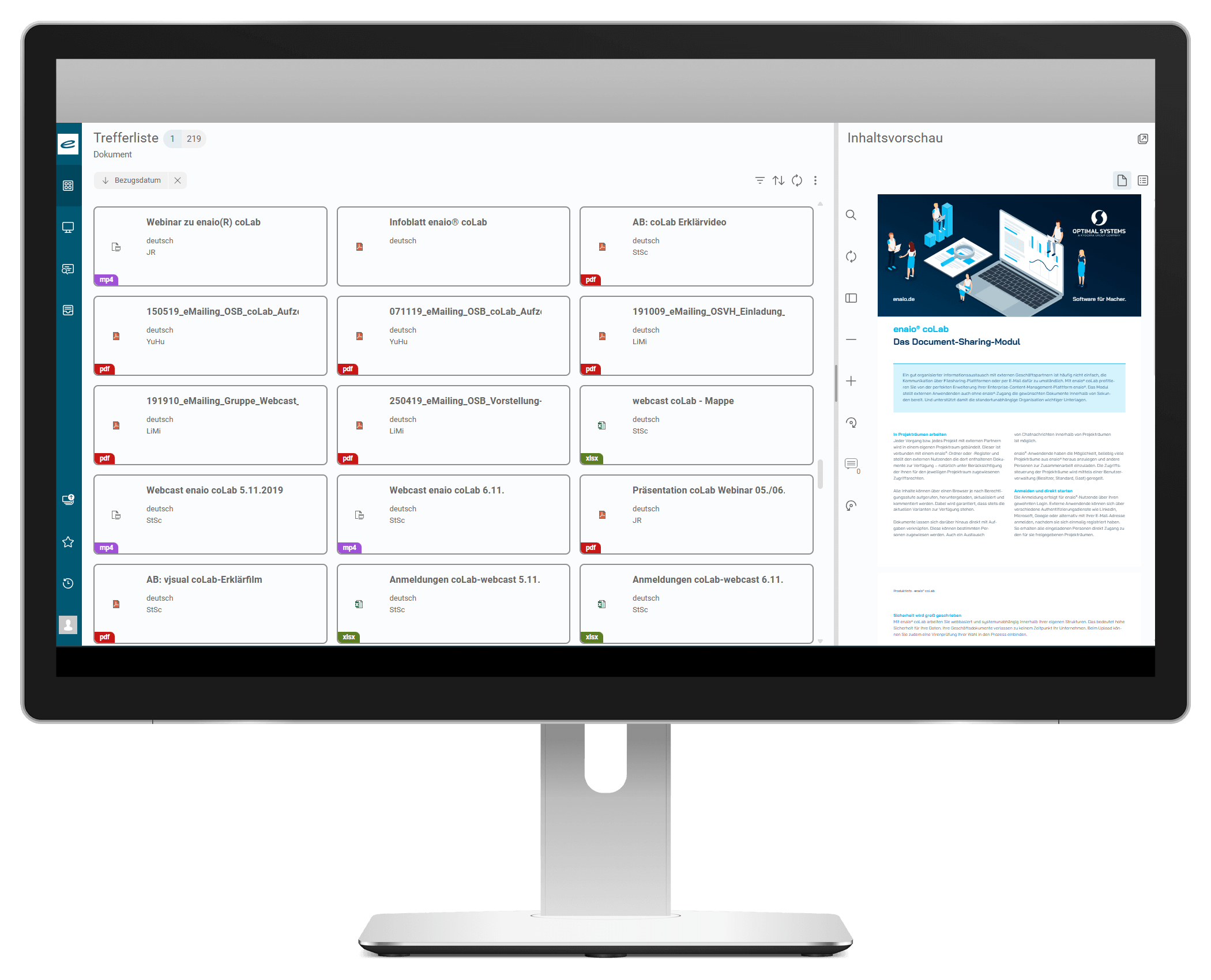
The OPTIMAL SYSTEMS webclient provides easy access to your ECM system via your browser. This is available from your mobile workstation, with no need to do without any of the important functions you are familiar with from the user interface on your desktop system. Your information is up-to-date right up to the last minute before a deadline is reached. All internal company information can be accessed in enaio® at any time.
You can use the webclient to trigger workflows and add them to the company-wide ECM system. Options like follow-ups and subscriptions are available for this purpose. You can search for files or open documents stored on your desktop. You can create and save document searches, or they can be created by your administrator and published by you.
Simple, intuitive user interface
Access to company documents or data and your personal enaio® favorites whenever you want
Integration of individually configurable dashlets for content and file previews
enaio® client provides a highly comprehensive range of functions
Drag & drop functions, e.g., for inserting documents
Speed up response times and increase your ability to provide information
Based on the latest Angular Framework version
With the enaio® webclient you can easily realize Unicode projects with the version enaio® 9.10. Thus, enaio® allows data management using foreign language (e.g. Russian or Chinese) characters very easily via the index data or workflow masks. In addition, you can search and manage data in any character set using full text search. Other functions such as subscriptions, workflows and follow-ups are also available in several languages based on Unicode capability.
Using the enaio® interface to Microsoft Office, it is possible to connect Office documents (Office NG Add-in) as well as archive e-mails (Outlook NG Add-in) in the Unicode standard.
Since version 11.10, the enaio® webclient has been officially BITV-compliant, meeting the requirements of the Barrier-Free Information Technology Ordinance and the EU standard EN 301 549. The webclient can now be used barrier-free in the browser, even for people with visual, hearing, or motor impairments. A special focus was placed on improving keyboard usability. The measures implemented not only increase digital inclusion but also improve user-friendliness for everyone in the long term.
Do you want to use the enaio® webclient on the go?
Benefit from the entire functional diversity of the Enterprise Content Management solution: for Tablets, iPhone and Android Smartphones (available from version 9).
General
Software & Services
LOCATIONS